
Viewing Rescan Queue
-
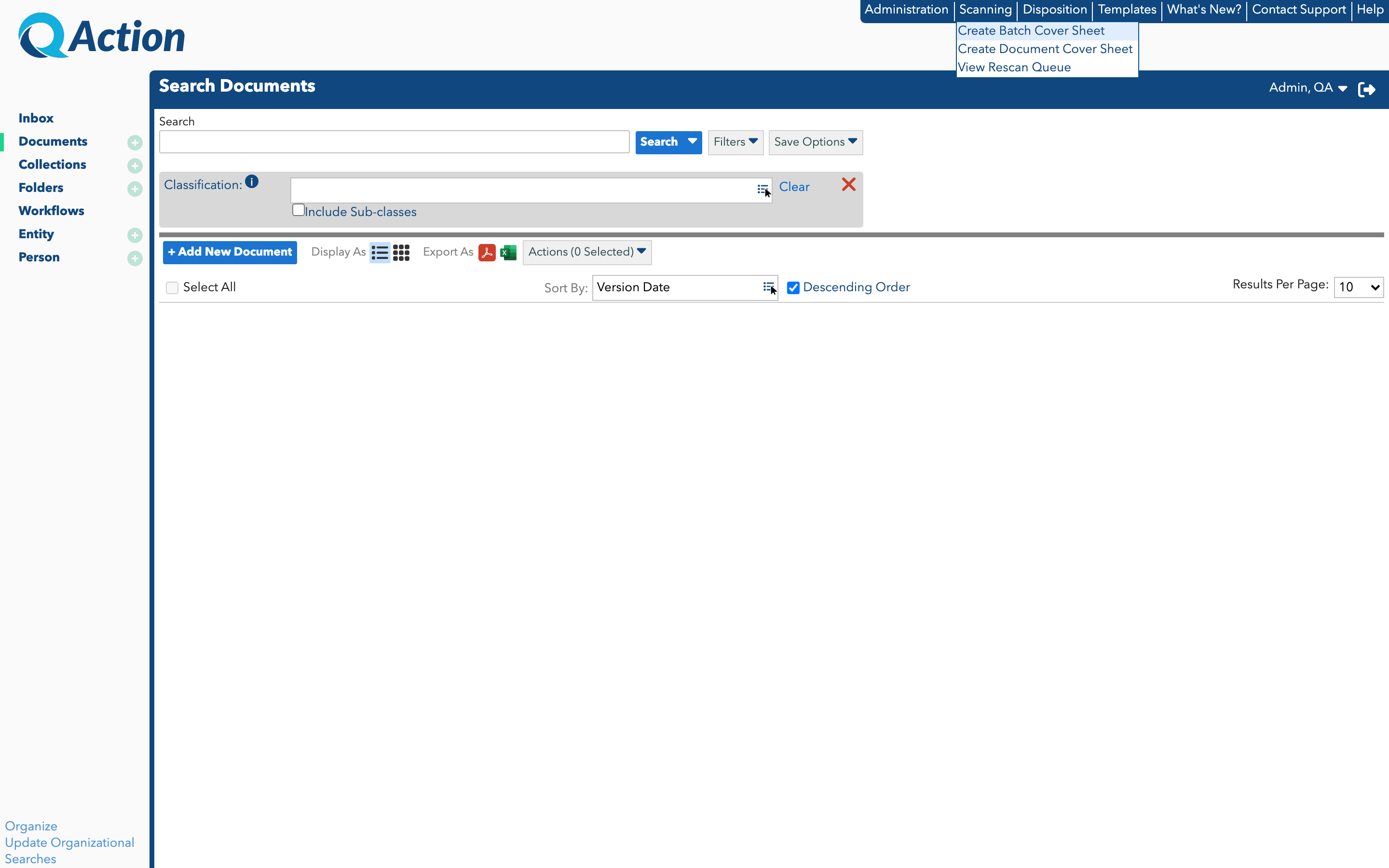
Within the application, click the Scanning menu at the top-right.
-
Click View Re-scan Queue.
The View Rescan Queue screen appears. -
Select a batch in the grid and click View.
-
To delete a queue item, click a batch in the grid, and click Delete.