
Viewing Documents Within a Collection
- In the left navigation pane, click Collections.
The Search Collections screen appears. - Search for the collection name (ex. Competitor Documents).
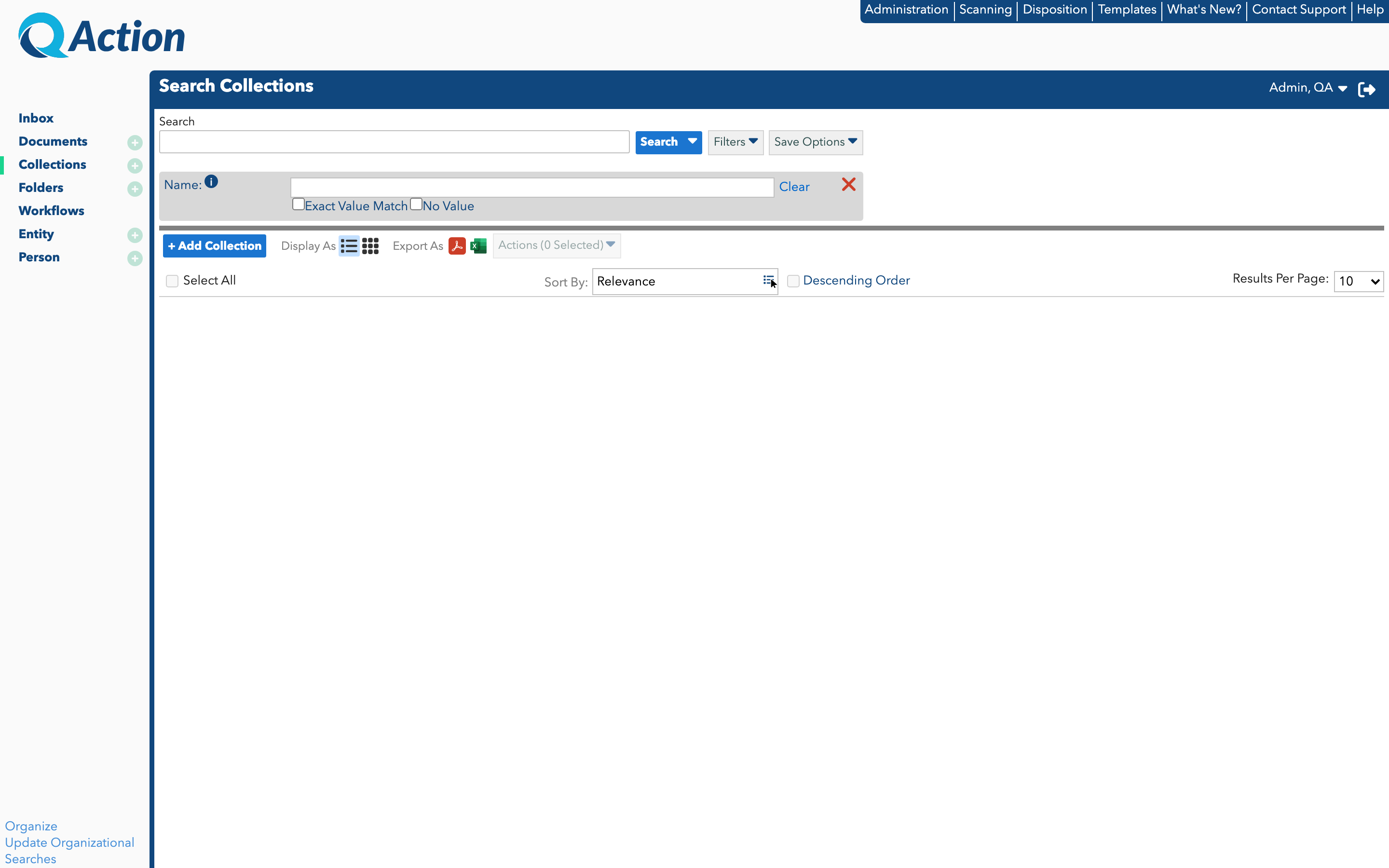
- Click the collection name.
The Documents in Collection “[Name]” window appears with all documents that were grouped together using this collection.
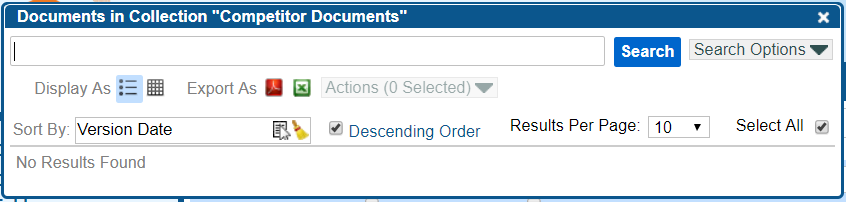
- Filter and narrow the search using Search Options to locate the correct documents.